

Shopify is one of the most powerful ecommerce ecosystems available today. Its flexibility, robust APIs, customizable storefronts and headless capabilities make it a leading choice for merchants of all sizes. For developers, the platform offers enormous opportunities, from building custom themes and apps to creating full headless architectures with frameworks like Hydrogen, Next.js or Remix.
To support this rapidly evolving ecosystem, Shopify maintains a comprehensive and meticulously organized official knowledge base known as Shopify Doc. This documentation is the primary source of truth for every developer working within the Shopify environment. It contains technical references, guides, tutorials, API specifications, changelogs, tooling instructions and examples that cover every aspect of Shopify development.
Understanding how to navigate and use Shopify Doc effectively can dramatically accelerate development, reduce errors, and streamline troubleshooting. This article provides a deep and structured approach to mastering Shopify Doc, enabling developers to work faster and with greater confidence.
I. The Role of Shopify Documentation for Developers
The official Shopify Doc is not just a static manual. It is a constantly updated knowledge system designed to support developers of all skill levels. Whether you are building a lightweight theme or a highly complex API integration, Shopify Doc helps you:
- Understand platform architecture
- Access API specifications
- Learn new Shopify features
- Troubleshoot issues
- Follow best practices
- Stay up to date with platform releases
Because Shopify updates happen frequently, relying on outdated blog posts or third party tutorials can quickly lead to confusion. The Shopify Doc is always the definitive source of truth.
1.1 Why Developers Must Rely on Shopify Doc
Shopify introduces new APIs, deprecates old ones, updates Hydrogen on a regular cadence, and enhances core features throughout the year. Without constant access to updated documentation, developers may risk:
- Using outdated API endpoints
- Missing required parameters
- Implementing deprecated features
- Misunderstanding theme or Liquid syntax changes
- Failing to follow new best practices
This can lead to bugs, performance problems and longer development cycles. Shopify Doc ensures alignment with Shopify’s actual platform behavior.
1.2 What Makes Shopify Doc Different
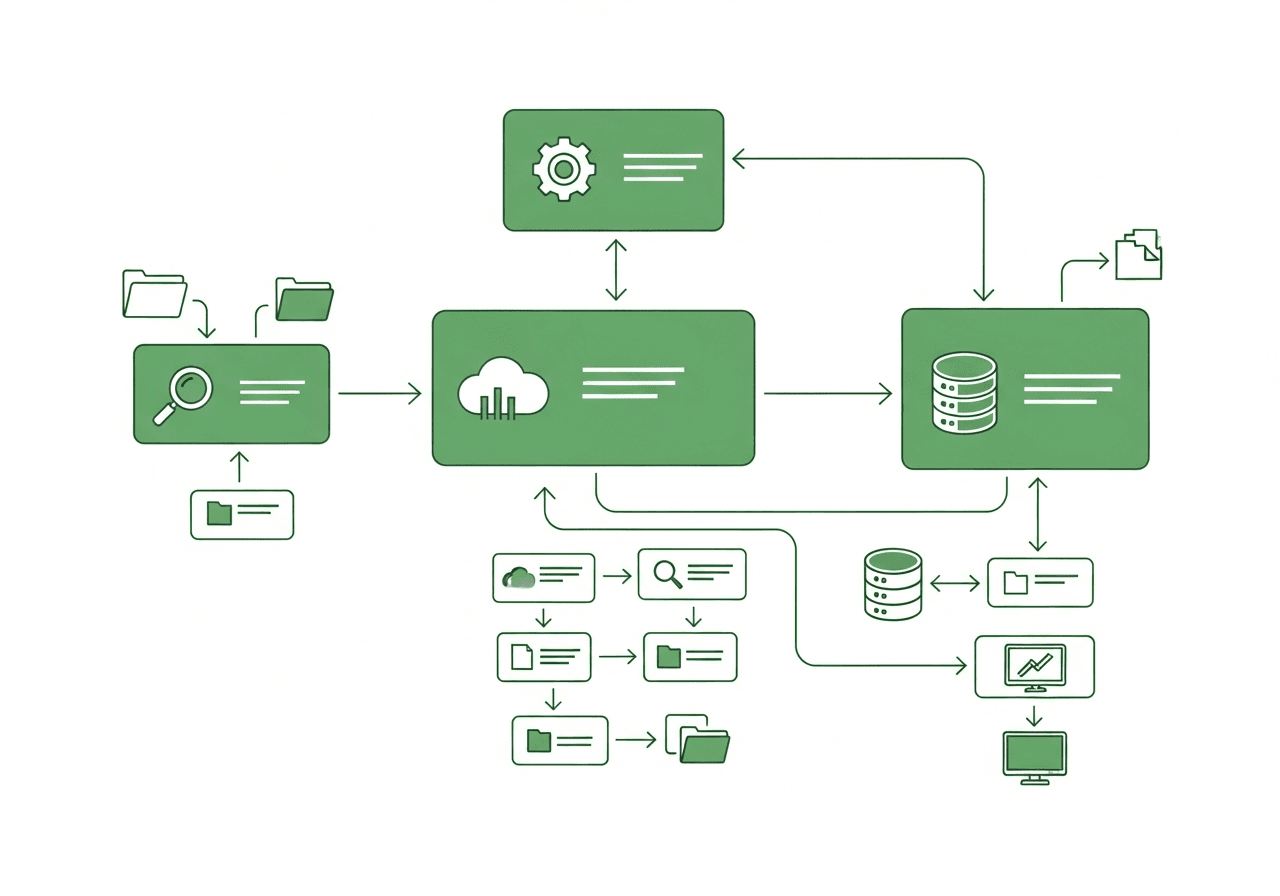 Shopify Doc is built with developers in mind. It provides:
- Clear navigation
- Code examples
- Real world use cases
- API schemas
- Diagrams and conceptual explanations
- Step by step tutorials
- Reference tables for every function, tag and endpoint
By mastering these resources, developers reduce guesswork and enhance the quality of their builds.
II. Understanding the Structure of Shopify Doc
One of the biggest advantages of Shopify Doc is its well designed structure. It is organized into clear categories, each serving a different purpose. Knowing how these sections relate to one another helps you locate answers faster.
The main sections developers use include:
2.1 Themes and Liquid
This section includes:
- Liquid reference
- Theme architecture
- Templates and sections
- Metafields and dynamic sources
- Theme apps extensions
For theme developers, the Liquid reference is essential. It documents every object, property and filter used in Shopify themes.
2.2 Shopify API
The API documentation covers:
- Admin API
- Storefront API
- GraphQL and REST formats
- API versioning
- Rate limits
- Webhook events
- Authentication
This is the most important resource for backend integrations and custom app development.
2.3 Hydrogen and Headless Development
Headless development has become a major trend. Shopify Doc includes:
- Hydrogen framework documentation
- Oxygen hosting guidelines
- Deployment instructions
- Component libraries
- Example headless templates
Developers using Next.js or Remix can rely on these docs to understand how Shopify’s headless architecture works.
2.4 Shopify Apps
This section covers everything needed to build public and custom apps:
- App extensions
- Billing APIs
- App bridge
- OAuth
- UI components
- App submission rules
If you plan to publish an app to Shopify App Store, this section is essential.
2.5 Shopify Functions
Shopify Functions replace traditional scripts with high performance server side logic. Documentation includes:
- Functions APIs
- Integration examples
- Deployment processes
- Supported features like discounts and cart validations
2.6 Polaris Design System
Polaris is Shopify’s official design system for app developers. The doc includes:
- UI components
- UX patterns
- Accessibility standards
- Component props
- Code examples
III. How to Search Shopify Doc Efficiently
 One of the most powerful tools in Shopify Doc is its search functionality. However, many developers don’t fully utilize it.
Below are techniques to speed up search and find accurate information faster.
3.1 Use Specific Technical Keywords
When searching for information, use technical terms instead of general queries. For example:
-
Instead of: update product Use: update product mutation Storefront API
-
Instead of: metafields Use: product metafields definitions
Specific searches return more accurate results.
3.2 Filter Results by Documentation Type
Shopify Doc displays:
- Guides
- API references
- Tutorials
- Schema definitions
Filtering by type helps you find the exact information you need.
3.3 Use Google Advanced Search for Shopify Doc
Sometimes Google retrieves deeper content faster.
Use: site:shopify.dev your keyword here
Example: site:shopify.dev javascript cart API
This is useful when searching for code patterns included in older versions of the doc.
IV. Best Practices for Using Shopify Doc During Development
Developers can significantly reduce development time by integrating Shopify Doc into their workflow. Here are strategic best practices.
4.1 Keep the Documentation Open While Coding
Having the Liquid reference or API schema beside your IDE:
- Reduces syntax errors
- Minimizes unnecessary guessing
- Helps instantly validate parameters
4.2 Use the API Versioning Page Regularly
Shopify updates API versions quarterly. The documentation indicates:
- Deprecated fields
- Breaking changes
- Migration instructions
Following these updates ensures your builds remain future proof.
4.3 Combine Shopify Doc with Shopify CLI
Shopify CLI is documented extensively and includes:
- Theme scaffolding
- App scaffolding
- Hydrogen templates
- Deployment commands
Reading the CLI documentation ensures you maximize automation and reduce manual work.
4.4 Bookmark High Use Pages
Examples include:
- Liquid objects
- Storefront API mutations
- Theme app extension structure
- Function schema
This saves navigation time during active dev cycles.
4.5 Read API Examples Carefully
Many API errors occur because developers skip examples. Shopify Doc includes exact code snippets for:
- GraphQL queries
- REST calls
- Responses
- Error handling
Following these examples prevents malformed requests and improves debugging accuracy.
V. Troubleshooting with Shopify Doc

Troubleshooting is where Shopify Doc becomes truly valuable. Shopify provides detailed tools, error libraries and best practices for diagnosing issues.
5.1 Use Error Code Reference Pages
Shopify includes error explanations for:
- API failures
- OAuth issues
- Webhook signature mismatches
- GraphQL error types
- Rate limit violations
Each error reference page describes:
- Why the error happens
- How to fix it
- Example responses
5.2 Check the Changelog for Recent Platform Changes
Unexpected issues often appear after updates. The Shopify Doc changelog reveals:
- Added or removed fields
- Updated API behaviors
- New features
- Deprecations
This helps identify whether the issue is caused by a recent Shopify update.
5.3 Use the Testing and Validation Guidelines
Shopify Doc offers instructions for:
- Webhook verification
- API playground usage
- Theme code validation
- Performance audits
- Liquid testing
Following these guidelines simplifies debugging sessions.
5.4 Hydrogen and Headless Troubleshooting
The documentation includes:
- Common deployment errors
- Runtime environment errors
- Server component issues
- Data fetching guidelines
These help headless developers maintain stable deployments.
VI. Combining Shopify Doc with Community Resources
Although Shopify Doc is the primary source of truth, the ecosystem also offers communities that complement official documentation.
6.1 Shopify Community Forums Forums contain:
- Real world developer questions
- Solutions from Shopify staff
- Best practice discussions
These often provide additional context not covered in the documentation.
6.2 GitHub Examples
Official repos include:
- Hydrogen templates
- App boilerplates
- Theme examples
These help clarify how Shopify Doc concepts work in practice.
6.3 Partner and Developer Blogs
Partners often publish high quality examples that summarize:
- Custom use cases
- Workarounds
- Component logic
- Integration strategies
These examples help developers interpret the documentation more efficiently.
VII. A Step by Step Approach to Using Shopify Doc Efficiently
To maximize productivity, developers should follow a structured workflow:
Step 1: Start with a Conceptual Guide
Before coding, read conceptual pages explaining:
- Architecture
- Core logic
- Data flows
This prevents misunderstandings later.
Step 2: Move to Technical Detail Pages
Next, read:
- API schemas
- Liquid references
- Function definitions
This prepares you for hands on implementation.
Step 3: Review Examples
Study:
- Query examples
- Component examples
- Function use cases
Examples reduce trial and error.
Step 4: Implement Code
With a clear understanding, begin coding.
Step 5: Troubleshoot Using Error References
Use error libraries for quick fixes.
Step 6: Validate and Test
Follow Shopify’s testing guidelines.
Step 7: Revisit Documentation as Needed
Documentation evolves constantly, so ongoing review is essential.
Conclusion
Mastering Shopify Doc is one of the most valuable skills a developer can acquire when working with Shopify. It allows you to move faster, build more stable systems, reduce errors and stay aligned with Shopify’s latest updates.
When used strategically, Shopify Doc becomes a daily development companion that improves the efficiency of designing themes, building apps, configuring APIs and deploying headless storefronts.
If you are building a new e-commerce experience, choosing the right CMS is equally important. A well selected CMS improves your workflow and helps you scale more effectively.
Read more: