
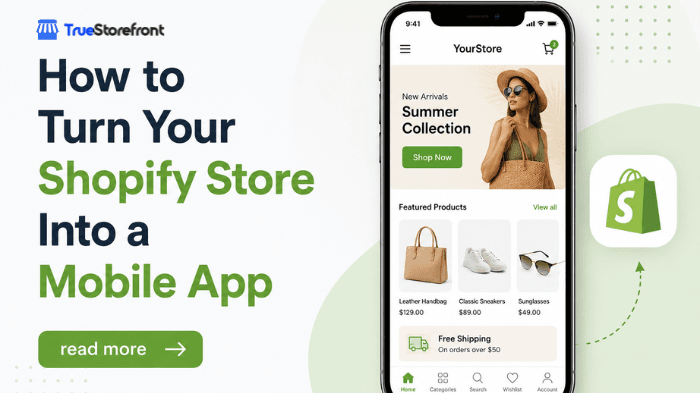
Shopify is the easiest ecommerce platform in the world to launch a mobile app on, thanks to their API infrastructure, third-party vendor ecosystem, and natural mobile-friendly nature of the platform.
That matters - because any ecommerce store past a certain level of growth should have their own mobile app. It’s a powerful retention channel, giving you access to push notifications, and a mobile-first user experience optimized to increase repeat purchases.
And if you’re already running a successful ecommerce website, the foundation of your mobile app is already there. You’re not building a brand new mobile app from scratch; you’re converting your existing Shopify store into a channel your customers can download and launch on their phones.
But how do you get there? Do you need to hire developers? What tools do you need to use to launch your own mobile app?
Keep reading and we’ll explain it all.
Quick Summary
If you’ve only got a few moments, here are the key points you need to know.
To turn your Shopify store into an app, you have two options: a DIY Shopify mobile app builder, or a custom Shopify mobile app service like MobiLoud.
The builder option is best for more standard Shopify stores, while a custom service is better for higher-revenue stores, particularly Shopify Plus and headless stores.
The goal, ultimately, is to launch an app that’s on-brand and consistent with your website, while offering a little bit more for your best customers in the app.
Why Your Shopify Store Needs a Mobile App
A mobile app gives you a direct, owned channel to your best customers.
That’s one of the most valuable assets you can have in ecommerce today. With rising CAC, fluctuating email deliverability, and massive changes to the way people search for things online, it’s never been more important to have a direct way to reach your customers.
That’s what a mobile app gives you.
When someone downloads your app, it lives on their home screen. You’re not relying on inbox filters, ad spend or a social media algorithm to show up in front of them.
You’re already there. And with push notifications, you can send instant messages, with no per-send cost, that show up directly on your customer’s lock screen.
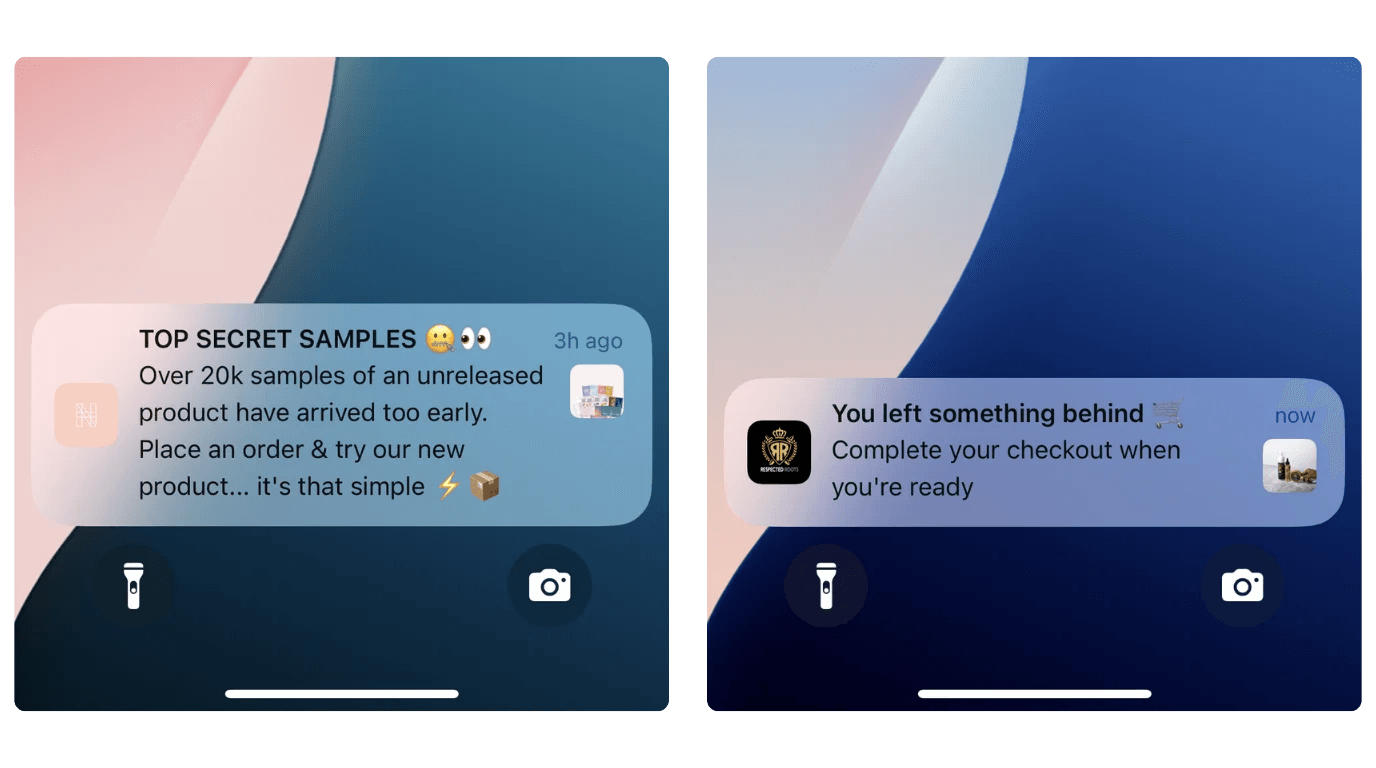
On top of that, it’s a mobile-optimized user experience, proven to deliver higher metrics in a number of areas:
- 10-50% higher AOV than mobile web
- 7x higher conversion rates
- 3.5-7x higher revenue per user
(data via MobiLoud’s ecommerce mobile app benchmark report)
With the right promotion and audience, a mobile app can grow to contribute 30% or more of your overall online revenue; which for a brand doing mid-seven figures or more per year, means a million-dollar sales channel.
That’s too good to ignore.
What Turning Your Shopify Store Into an App Really Means
You want to turn your Shopify store into a mobile app. But before you do anything, you should get clear on what that actually means.
It doesn’t mean scrapping and replacing your website. It doesn’t mean deciding that a mobile app is more important than your site.
It’s about extending your website to a new channel.
The app and the website are both your store. They’re both your brand. Same products, same audience. It’s just a new surface for your customers to buy on.
You’ll want to carry over the majority of what your website does. Design, product pages, features, checkout flow - there’s no reason this needs to be fundamentally different in your website and in your app.
What you’re aiming for are small user experience improvements in the app; UI and UX that feels more “native” on phones, removing the small friction points that hurt conversions on the mobile web.
You’ll want to build a custom experience for your app users, since there’s a fundamental difference in these shoppers (repeat customers, by default, while most of your web visitors are new customers). But you should do it without taking on too much extra work.
You don’t want to have to manage two completely different storefronts. Your goal is to deliver one storefront in two different channels.
How to Launch a Mobile App for Your Shopify Store
Your first instinct might be that launching a mobile app means hiring developers to code a custom native app from scratch.
That’s not necessary. Not for Shopify stores, who have access to a bigger ecosystem of tools and services than any other ecommerce vendors. That means you can launch your own mobile app, without the massive cost and hassle of a custom software project.
There are two different kinds of “mobile app builder” for Shopify stores, giving you two slightly different ways to convert your Shopify store into an app.
Here they are, what they require, and what kind of store each one is best for.
Option 1: No-Code Shopify App Builders (For Standard Shopify Stores)
The first option is a traditional Shopify mobile app builder; a no-code tool that lets you compile and a mobile app yourself.
This is the lowest-friction way to get a mobile app. You install an app from the Shopify App Store, compile your app, link it up with your store, and launch.
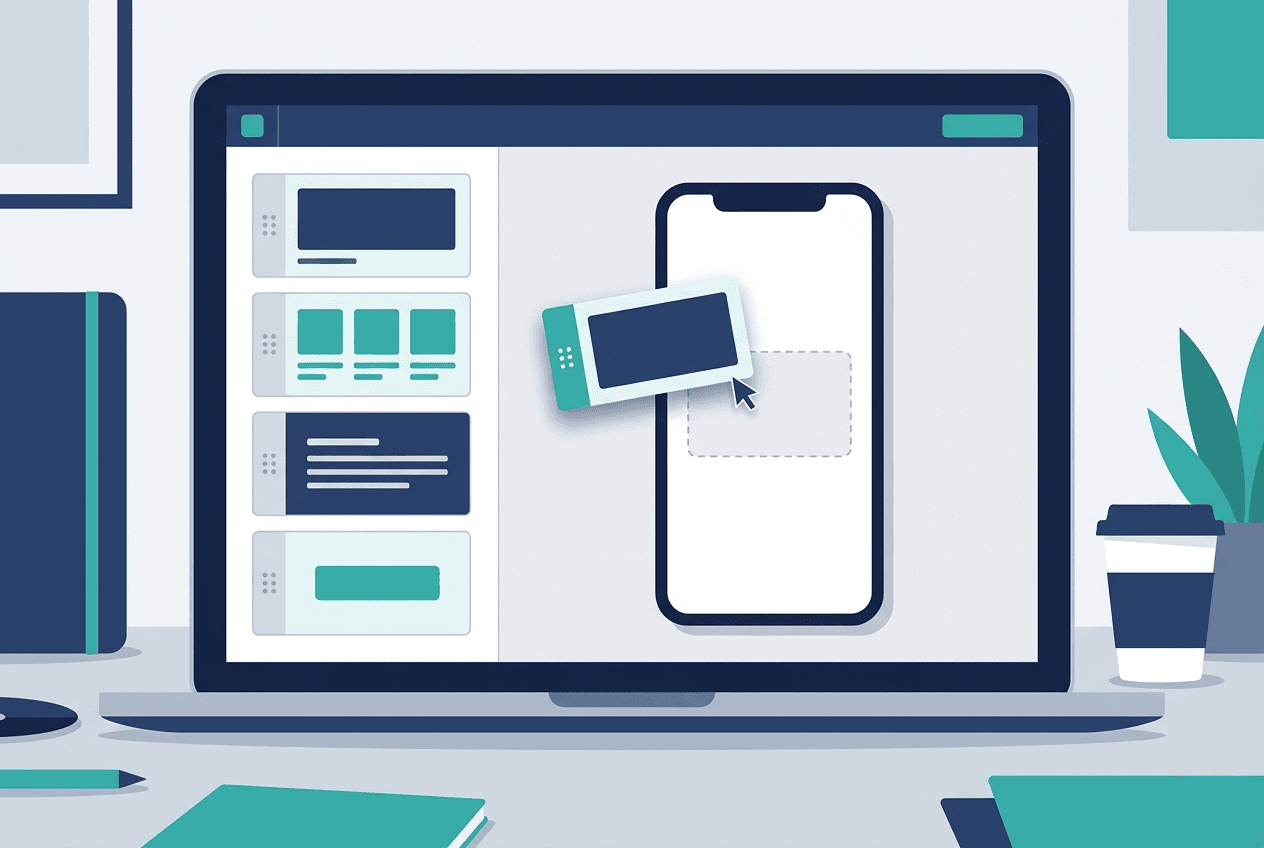
It’s a great way to build an app where you can easily tweak each screen specifically for the app, and deliver a unique experience for your app users. It’s also cost-effective. A lot of mobile app builders let you launch an app for just a few hundred dollars per month, which is incredible value for a channel that can easily contribute hundreds of thousands in revenue to your bottom line.
The downsides of this approach: a DIY tool requires more work on your part, which can take away from other areas of your business (or require extra staff hours to manage). And the nature of no-code tools means some limitations on what you can do in your app.
For a small or growing store, this is fine - and a no-code Shopify app builder lets you start to compete with the big guys by offering your customers a professional native app.
Option 2: A Managed App Service (For Shopify Plus and Complex Stores)
Higher-end or custom brands might not be able to get exactly what they want with a no-code software tool.
For these brands, a Shopify mobile app development service like MobiLoud is a better approach.
The core idea of these services is similar to that of a no-code app builder. You can launch a mobile app for your Shopify store, without hiring developers, and without a new, native codebase to maintain.
The difference is that these services take a more custom approach. Instead of pre-built blocks and templates, they start with your site, and use that to compile a mobile app that’s more closely integrated and synced with your web store.
This means you’re able to build a mobile app that carries over everything on your Shopify store; all your features, integrations and design elements are built into the app from the start.
That makes it better fit for custom sites, like Shopify Plus and headless Shopify stores, which have unique experiences that a typical no-code tool may not be able to replicate.
The managed service part of it also means less work for your team, and a greater level of stability, because you’re not faced with the possibility of downtime while you try to figure out and fix issues with your app.
This approach is more expensive; but still significantly more cost-effective than a fully custom native build, and a perfect fit for any brand doing roughly $5M in annual revenue or more.
The Shopify to Mobile App Launch Path (Time and Cost Projections)
Here’s what you can expect when launching a mobile app for your Shopify. The cost varies depending on the tool or approach you choose. With anything, you’re looking at a monthly cost (or annual, if paying upfront) to keep your app running.
At the low end of what you can pay for a functional app, it’s likely to be around $250 per month. At the higher end - for more powerful app builders or hands-on Shopify mobile app services, the cost is likely to start at around $1,500 per month. For a Shopify Plus store, this is a reasonable price to pay, for a channel that could contribute over 50x this cost in revenue each month.
(note: if you’re looking for a way to launch a mobile app without an ongoing cost… there is none. Any mobile app requires regular maintenance. Either you pay a subscription for a tool or service, or you pay salary or hourly wages for developers. There’s no “one time cost” that avoids this.)
In terms of time, the bare minimum to launch an app is around a week - as this is how long it typically takes to pass app store reviews.
With a simple build from a template, you could launch in a little over a week. A few days to configure and settle on an app design, configure everything, then submit it for publishing, and a week or so for the app stores to review and approve it.
For a more detailed build, you’re looking at a little longer. It’s more likely to take somewhere between four to eight weeks to launch; which, again, is extremely reasonable, when you consider a custom app builder is a drawn-out project that usually takes a minimum of six months, just to get a first version out and in your customers’ hands.
Post-Launch: How to Get Your Shopify Customers to Install the App
“If you build it, they will come.”
Not quite.
Launching the app is one part. Promoting it and getting downloads is the second, and without this, even the best app is just a flashy toy.
The good news is, it’s not too difficult to get downloads, because most of your regular customers will legitimately want to use the app. An app is easier for them - so as long as you let them know it exists, a lot of people will download it without needing much convincing.
Letting people know about your app means: - Email and SMS announcement to your existing list, explaining what changes for them in the app (faster checkout, app-only offers, push for order updates, early access) - Site banner or smart popup on mobile web prompting visitors to install the app. This is usually the largest single source of installs in month one.
- Checkout and account-page nudges for engaged customers (the people closest to buying)
- Post-purchase flow including an app install prompt in order confirmations On top of this, subtle popups and nudges on your site and social media profiles, offering a small incentive (such as 10% off the first app order) is a great way to get more customers into the app.
Regular app-exclusive discounts are also a powerful tool to get app users, as well as keeping existing users active in the app and rewarded for their loyalty.
Next Steps
For most Shopify merchants, the mobile app question isn't a budget question. Today, any successful store can launch their own mobile app, without a major investment or risk.
The question is how to build it. And there are two reasonable answers: no-code Shopify app builders, or more comprehensive Shopify mobile app services.
Either way can be a great way to launch your app. The decision just comes down to what you need from your app, and how custom your site is.
Whether you’re running a small boutique, or a global Shopify Plus brand, you can launch your own high-performance Shopify mobile app within the next one or two months. There’s no reason to wait. The benefits are there - you just need to choose the right path and press play.